On each device
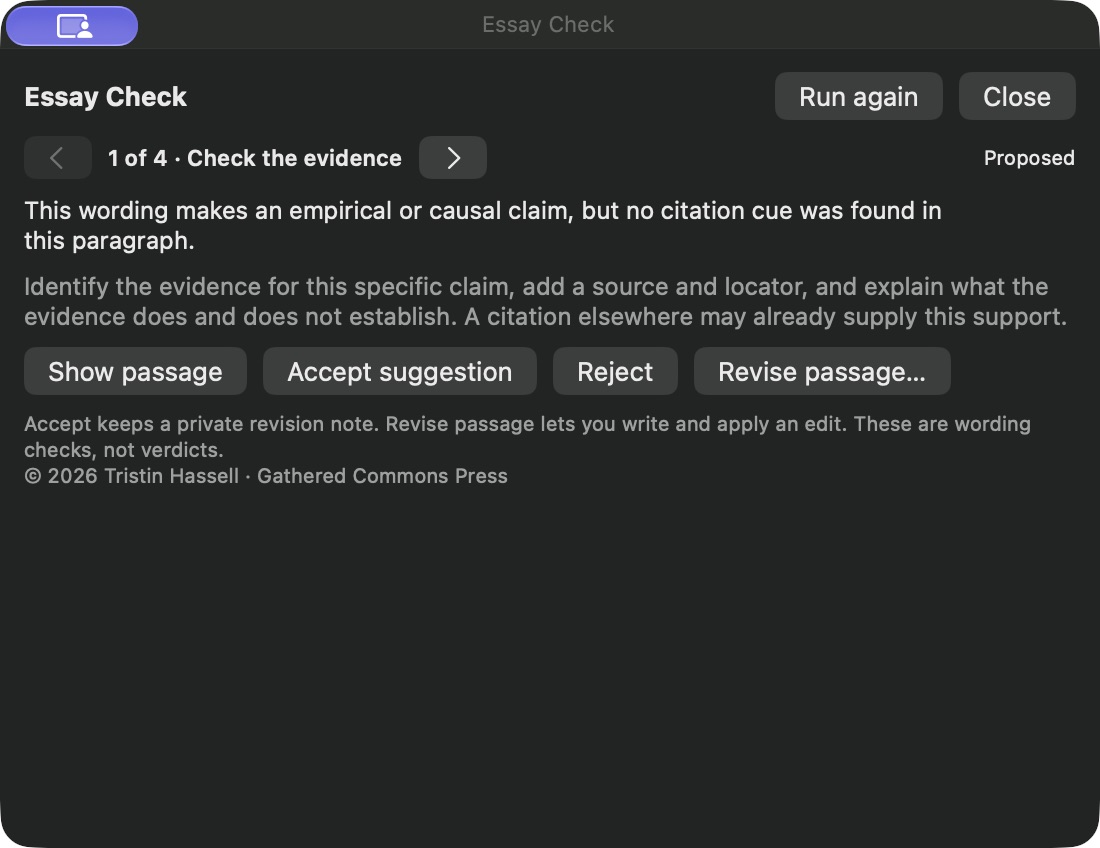
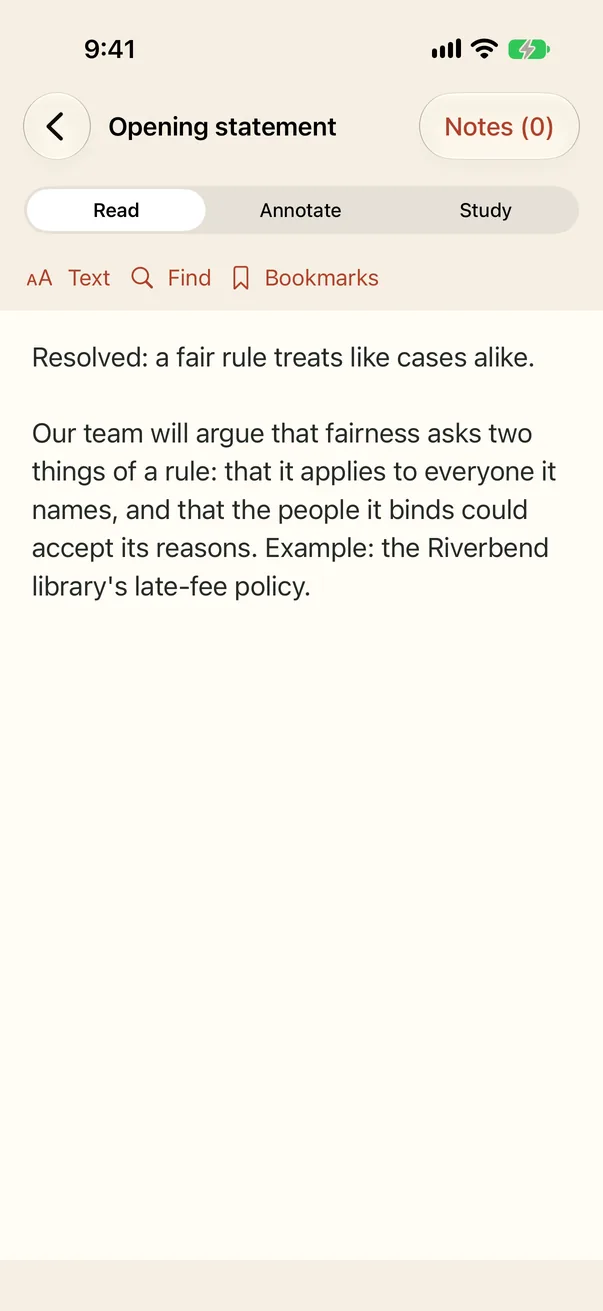
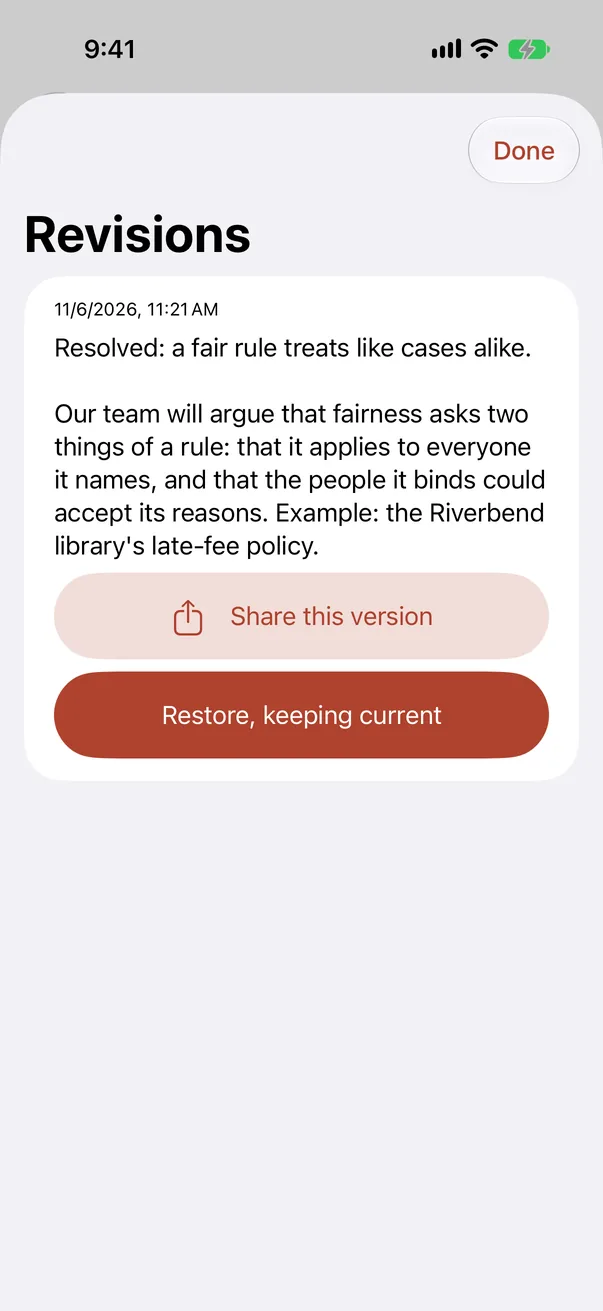
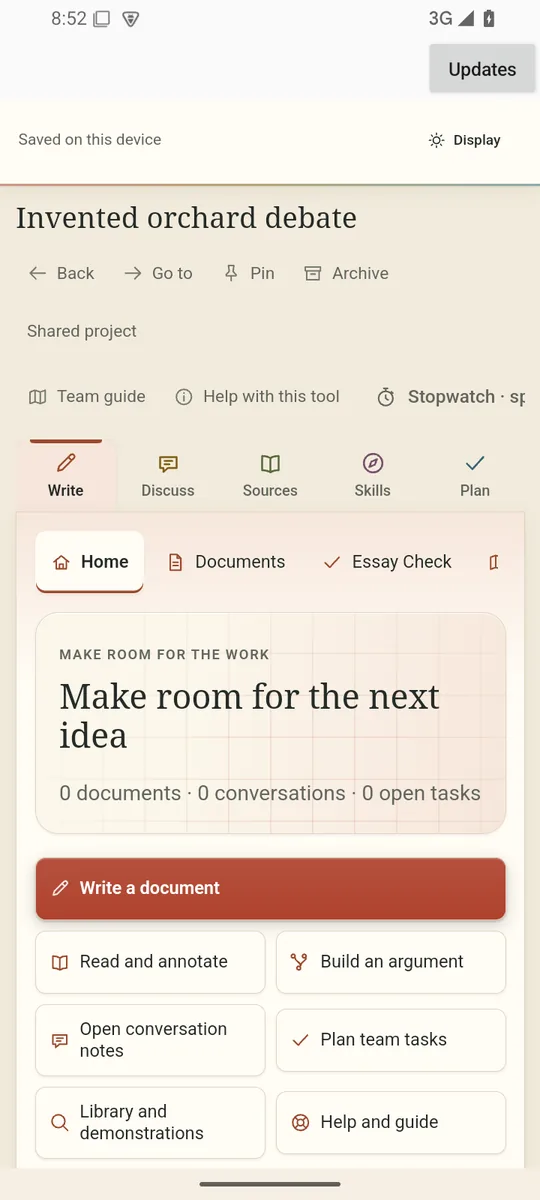
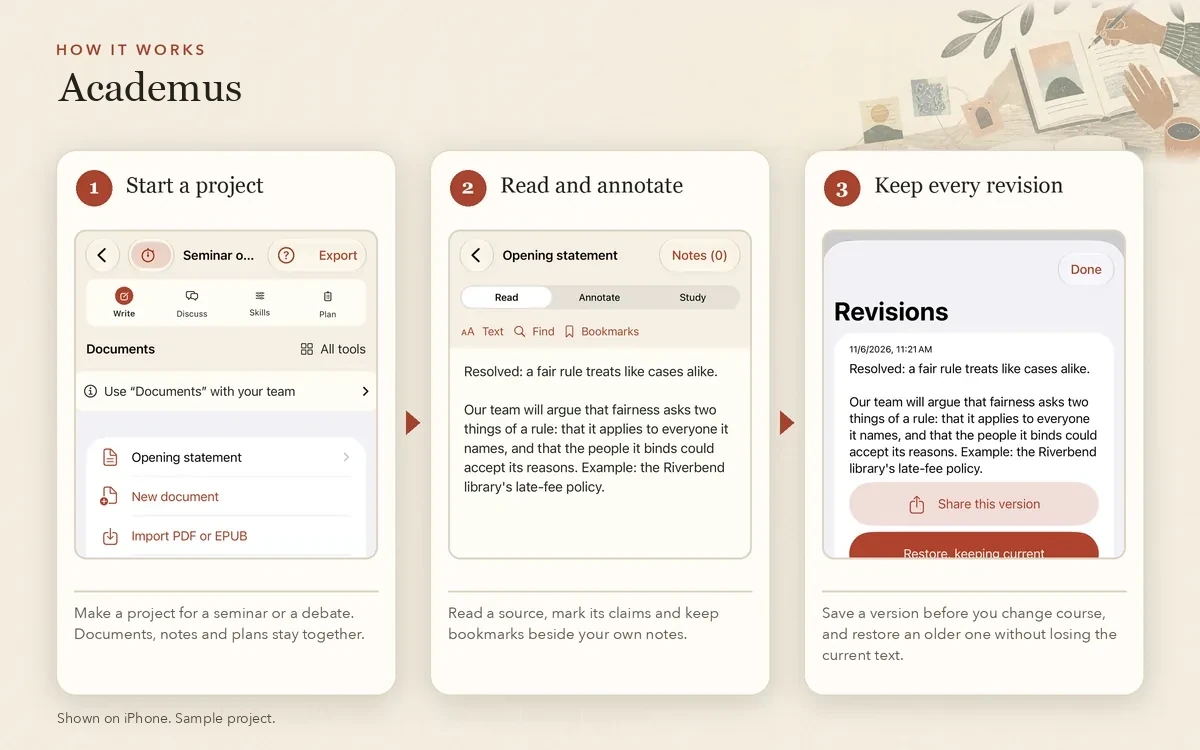
Academus is made for Mac, iPhone, iPad, Windows, Linux and Android. The Mac edition is the fullest: a document desk for projects, sources and drafts, Skill Studio, philosophical annotation, Essay Check and the shared demonstrations. The Android and Windows editions include the source reader with annotations, Essay Check, the Analytic Essay Guide, article import and Skill Studio; chats in those editions do not receive model replies. On iPhone and iPad it keeps a paper’s documents with every saved revision, reads PDFs and EPUBs with a note pinned to the exact passage, scans paper pages with the camera and has Skill Studio, but not Essay Check. The Linux edition does not yet have every Mac tool.
The Mac project desk
Keep projects, conversations, documents and decisions together. The editor is Stoa, the word processor Academus shares with The Lyceum. Read a draft there, save versions, branch a conversation and review a proposed edit before you accept it. You choose which passages an assistant receives, and the reasons and source notes behind a decision stay with the project.
Connections are your choice
No model is included, and none is needed for reading, annotating, writing or Essay Check. On Mac you can connect your existing ChatGPT or Claude account for text requests you review first, or a model service running on the same Mac; those direct requests go to a fixed loopback address, with no tools, redirects or proxies. A route to an existing OpenClaw agent is also present but not yet confirmed to return replies, and that agent keeps its own tools and permissions. Projects set to local only block online connections, and Skill Studio starts with Offline only enabled. On iPhone, replies come only from Apple’s on-device model on a compatible iPhone with iOS 26 or later; there is no cloud fallback. On Android and Windows you connect a model service you run yourself. Windows requests are limited to a service on the same computer. Android also allows a service on your private network after you approve it; that HTTP connection is unencrypted. Whichever service you choose handles the text you send under its own terms. The privacy policy lists each connection by edition.
Write the instructions, then compare them
Skill Studio is for people who want to see how a set of instructions shapes an answer. Build a skill around its purpose, input, expected output, instructions and examples, and save named versions as you go. Skill Studio includes nine editable role profiles, among them a leftist philosopher, a leftist economist and a leftist political theorist. Their starting directions state an approach you can read and change. They are not separate models or accounts. A Voice & Method preset changes the style instructions; it does not train the model, grant tools or check the answer. On Mac, Skill Studio uses connections with tools disabled, and it cannot use the unrestricted existing-agent route.
Compare your saved profile with your current draft on the same example, read both replies, record your own ratings and check whether required wording is present. Those checks test wording, not truth. Judgment remains yours. You can export a reviewed SKILL.md file to use elsewhere.
Argument Workshop on Mac
Turn a proposal into premises and a conclusion, check the truth assignments and look for a counterexample. Eight lessons show the same reasoning written as Python for study; the code is shown, and neither app executes it. Coaches can write a drill with a hint and feedback. The same workshop opens in Dialectic, and you can move an argument between the two apps as a file you review first. Projects, private notes and credentials do not synchronize automatically. Explore Dialectic →