Bring your list
Paste a list or import a spreadsheet, text file or supported playlist file. Import playlists you exported from Spotify, with no Spotify sign-in.
Music · by Tristin Hassell
Turn song lists into playlists
iPhone or iPad with iOS or iPadOS 17 or later
Sample song lists and mixtapes. Apple Music screens may differ from these examples.
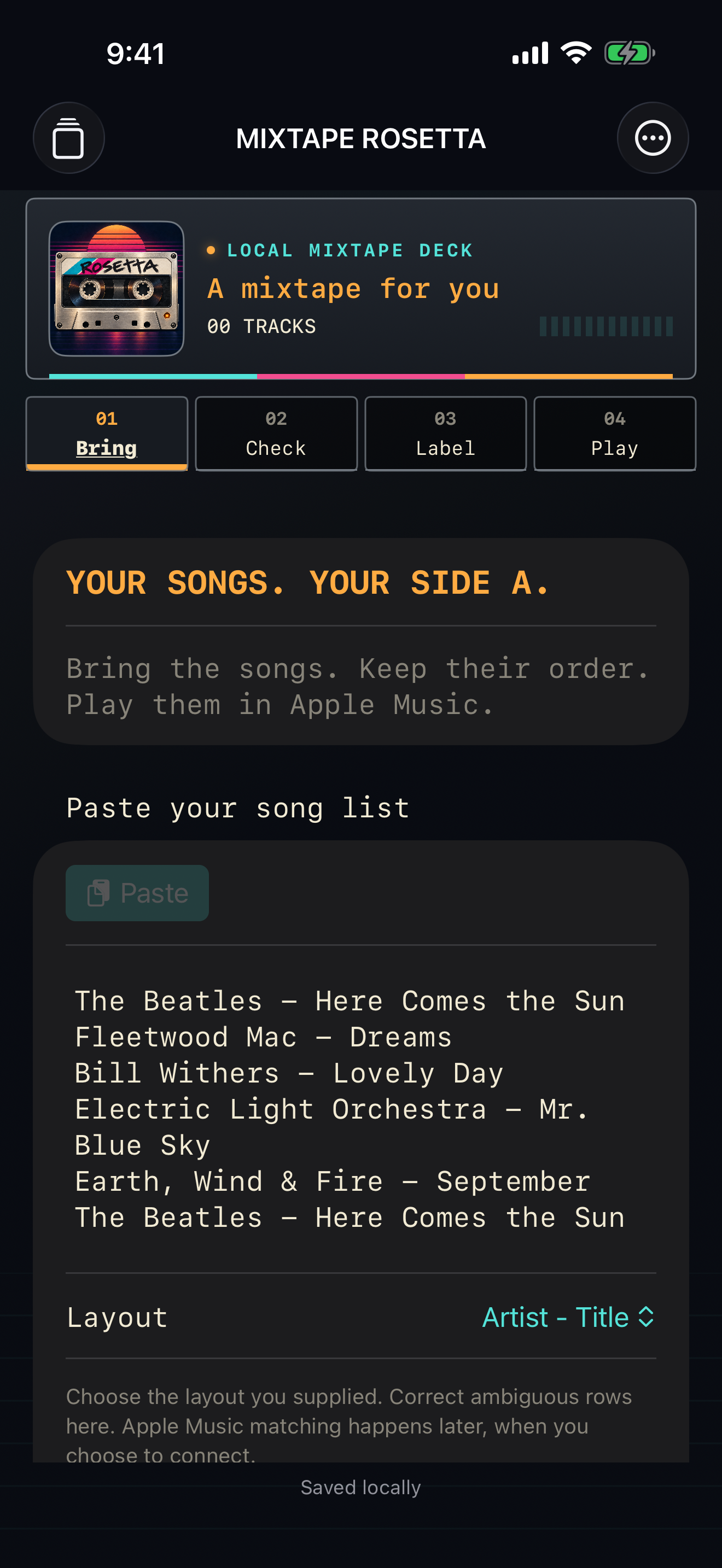
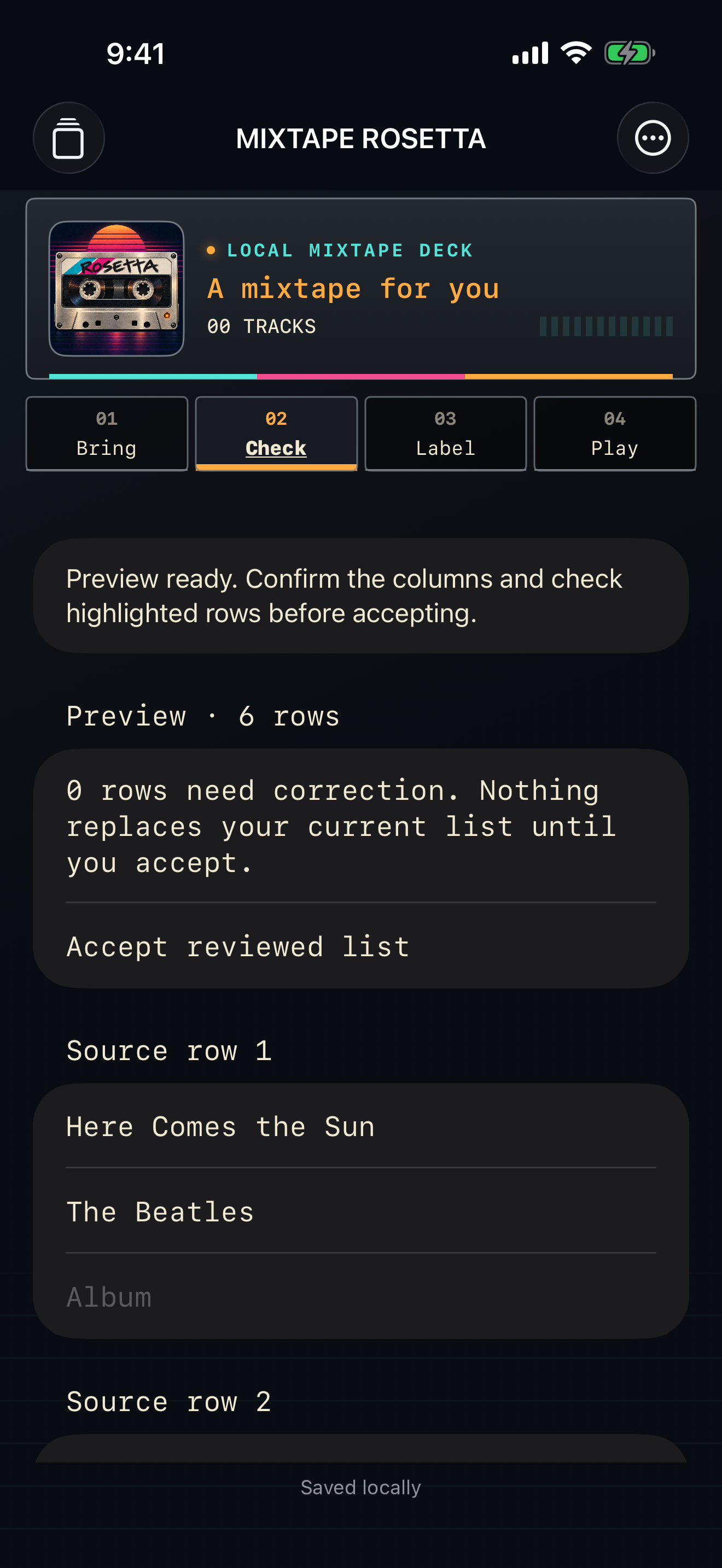
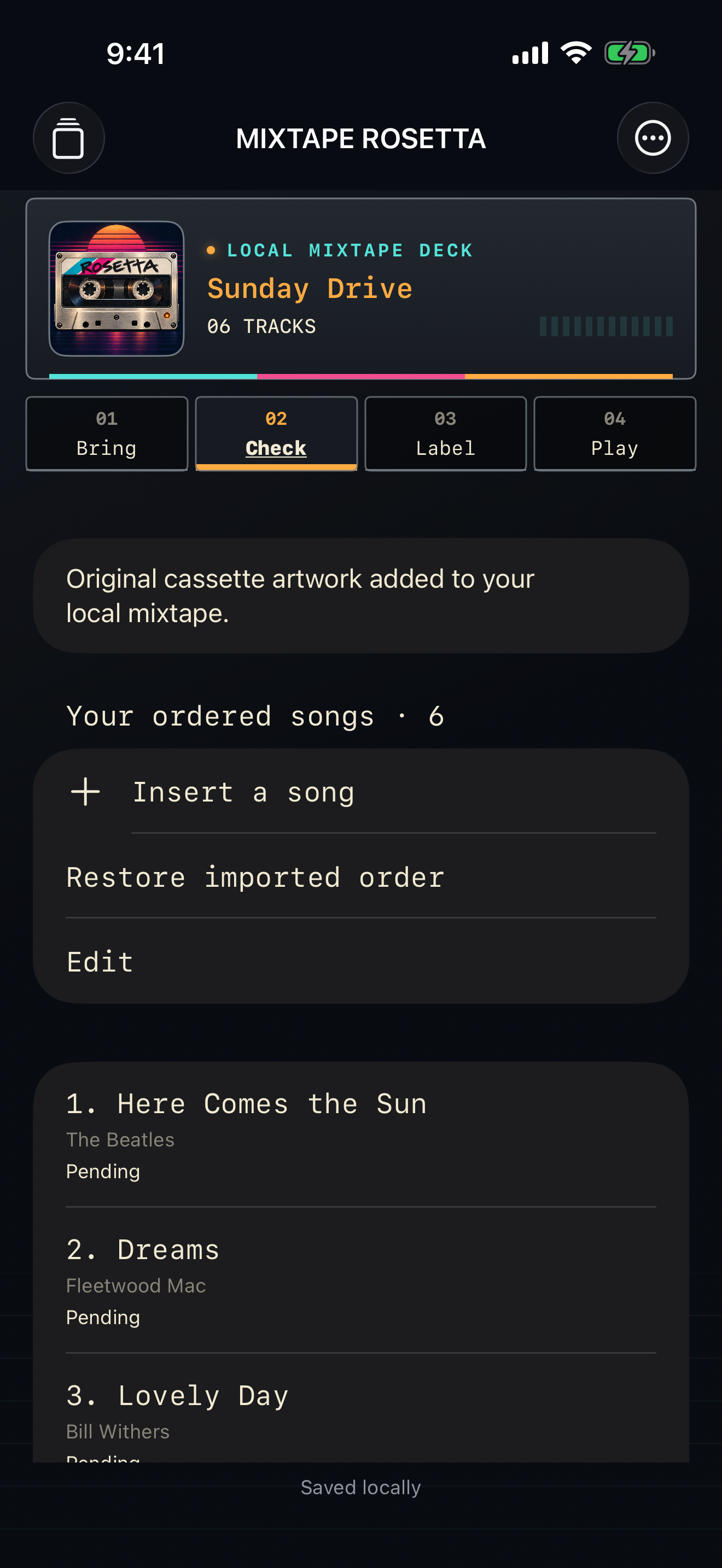
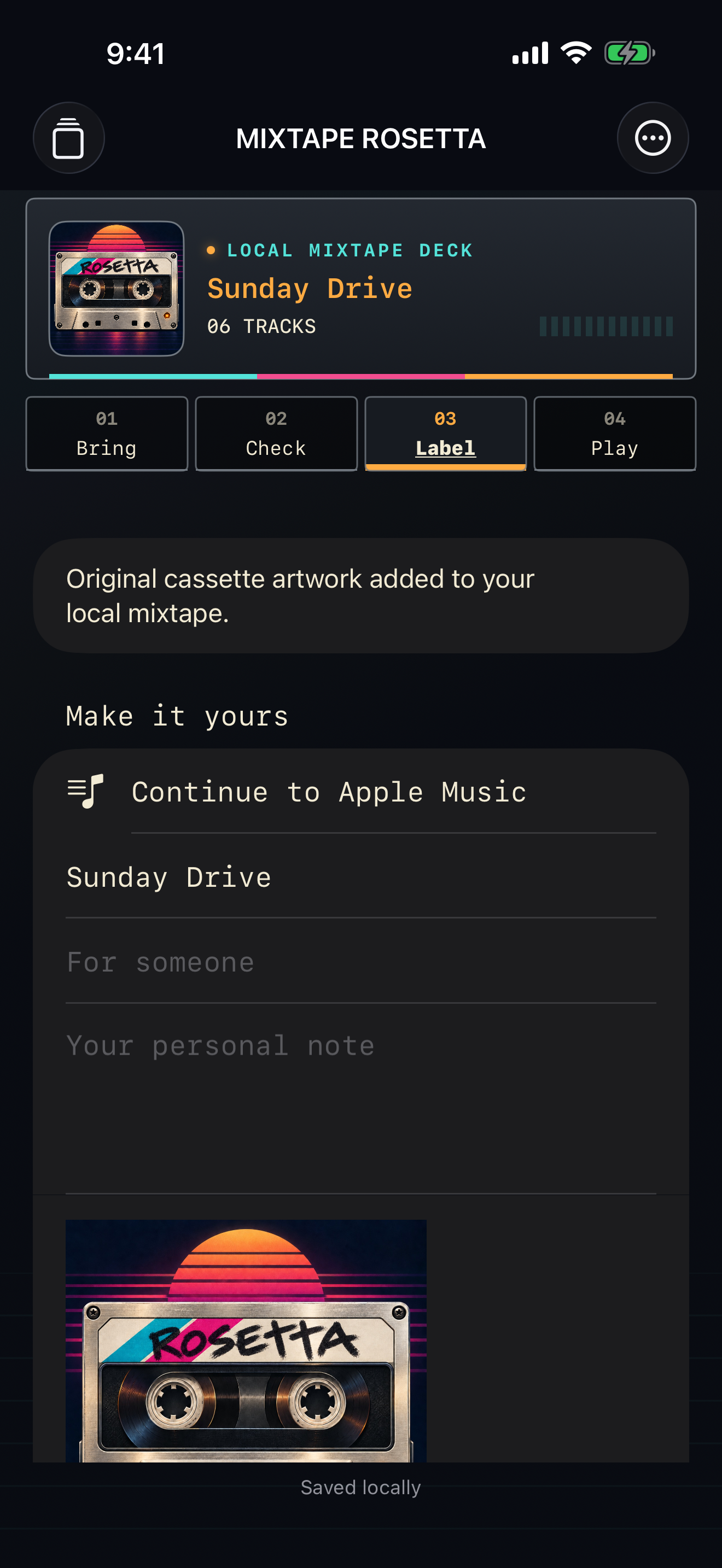
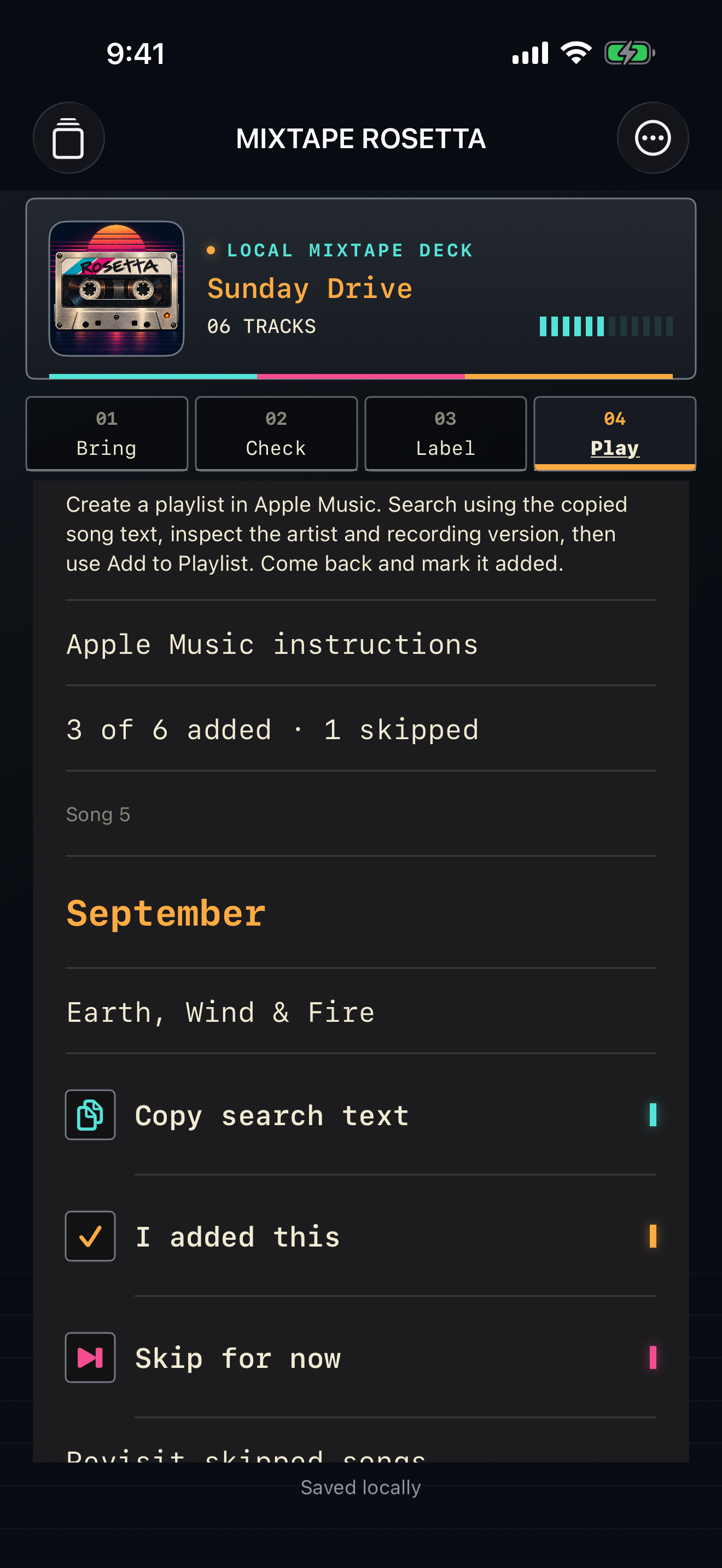
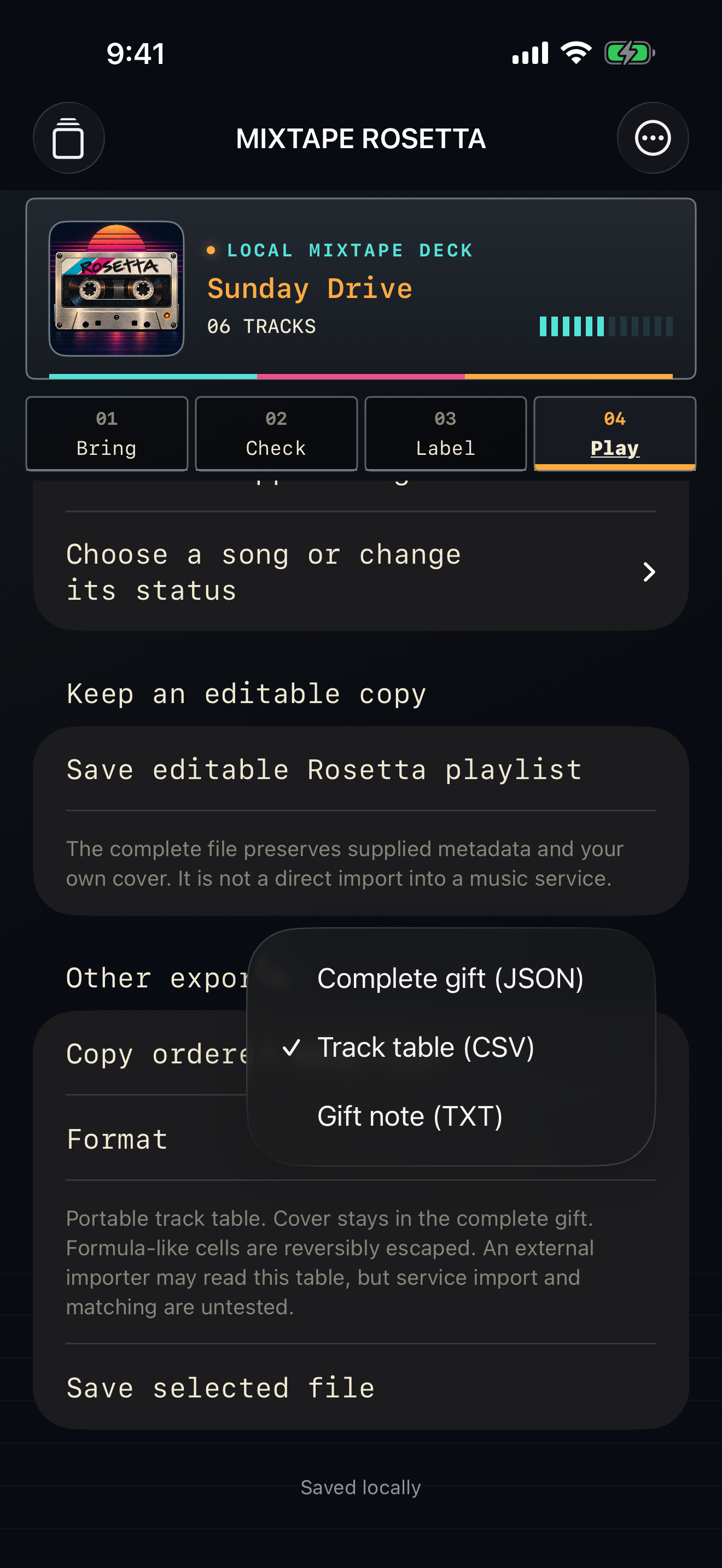
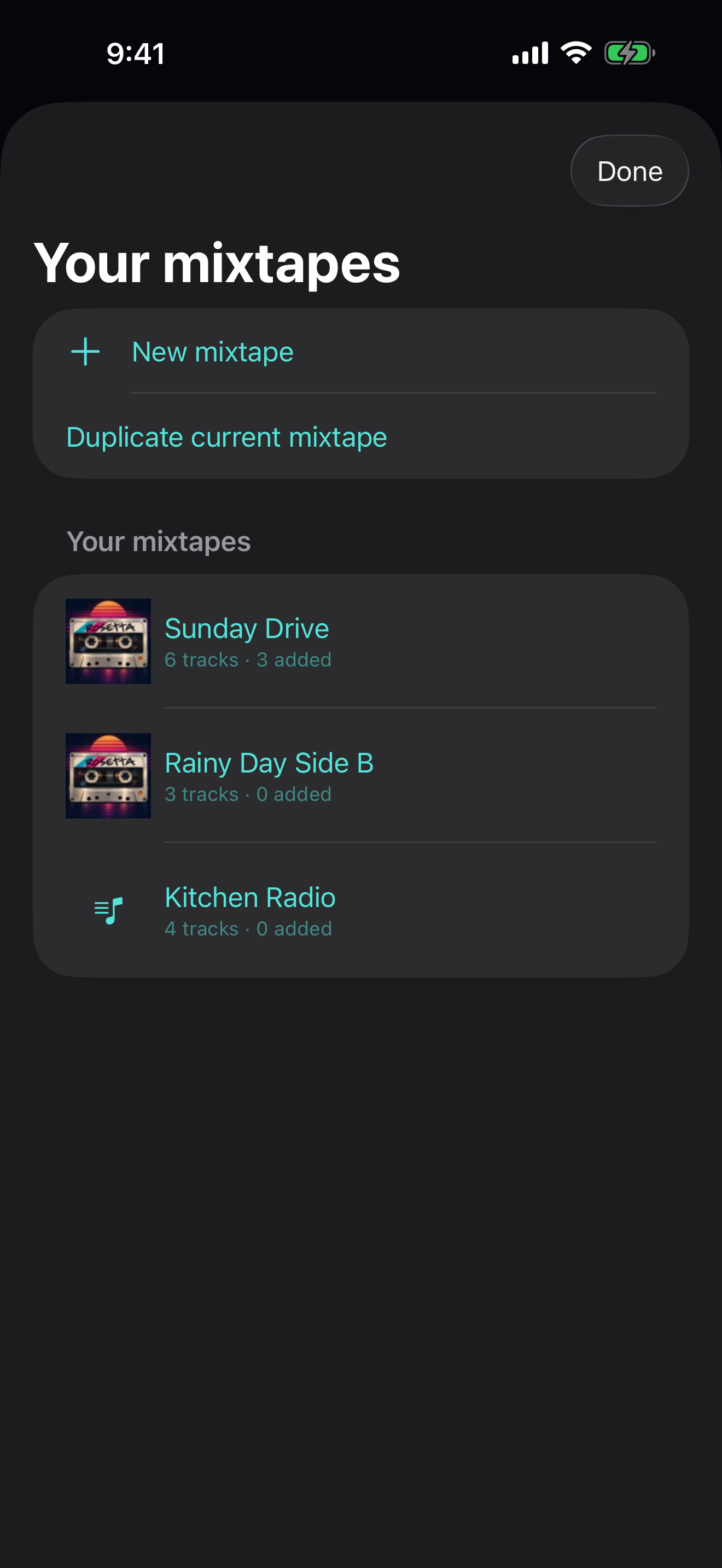
Bring a song list, check the matches, label your mixtape and play it in Apple Music, in the order you chose.
Paste a list or import a spreadsheet, text file or supported playlist file. Import playlists you exported from Spotify, with no Spotify sign-in.
Rosetta searches the Apple Music catalogue and lets you choose alternatives or skip songs it can’t find. Repeated songs stay in order.
Create a real playlist in your Apple Music library and play it in the Music app.
Save an Apple Music library playlist as a playlist, spreadsheet or text file, or open it as a mixtape to edit.
See your last converted mixtape on your Home Screen.
Save the song from the YouTube video you’re watching to a local list, then export it for the iPhone app.
Yes, to save and play playlists in your Apple Music library. A subscription and Sync Library are required.
Typed or pasted song lists, supported playlist files and lists captured by the Chrome companion.
Check each match before saving. Choose another version or skip it.
No. It saves song information and links for you to export.
On a YouTube video page, click the Mixtape Rosetta button to save that song’s title, artist and link to a list stored in Chrome. Export the list as a file and import it into the iPhone app to create your Apple Music playlist. The extension keeps song information only.
Chrome extension privacy policy. Apple Music is a trademark of Apple Inc. YouTube is a trademark of Google LLC. Spotify is a trademark of Spotify AB. Mixtape Rosetta is not affiliated with Apple, Google or Spotify.
Email hello@gatheredcommonspress.com. I answer within three business days.
Software by Tristin Hassell. Published by Gathered Commons Press LLC.