Plan each event
Sale, registration and event dates in the event’s own time zone, an all-in budget for the party and per ticket, acceptable sections, seats together, accessible seating and notes.
Events and tickets · by Tristin Hassell
Plan tickets before the rush
iPhone or iPad with iOS or iPadOS 17 or later
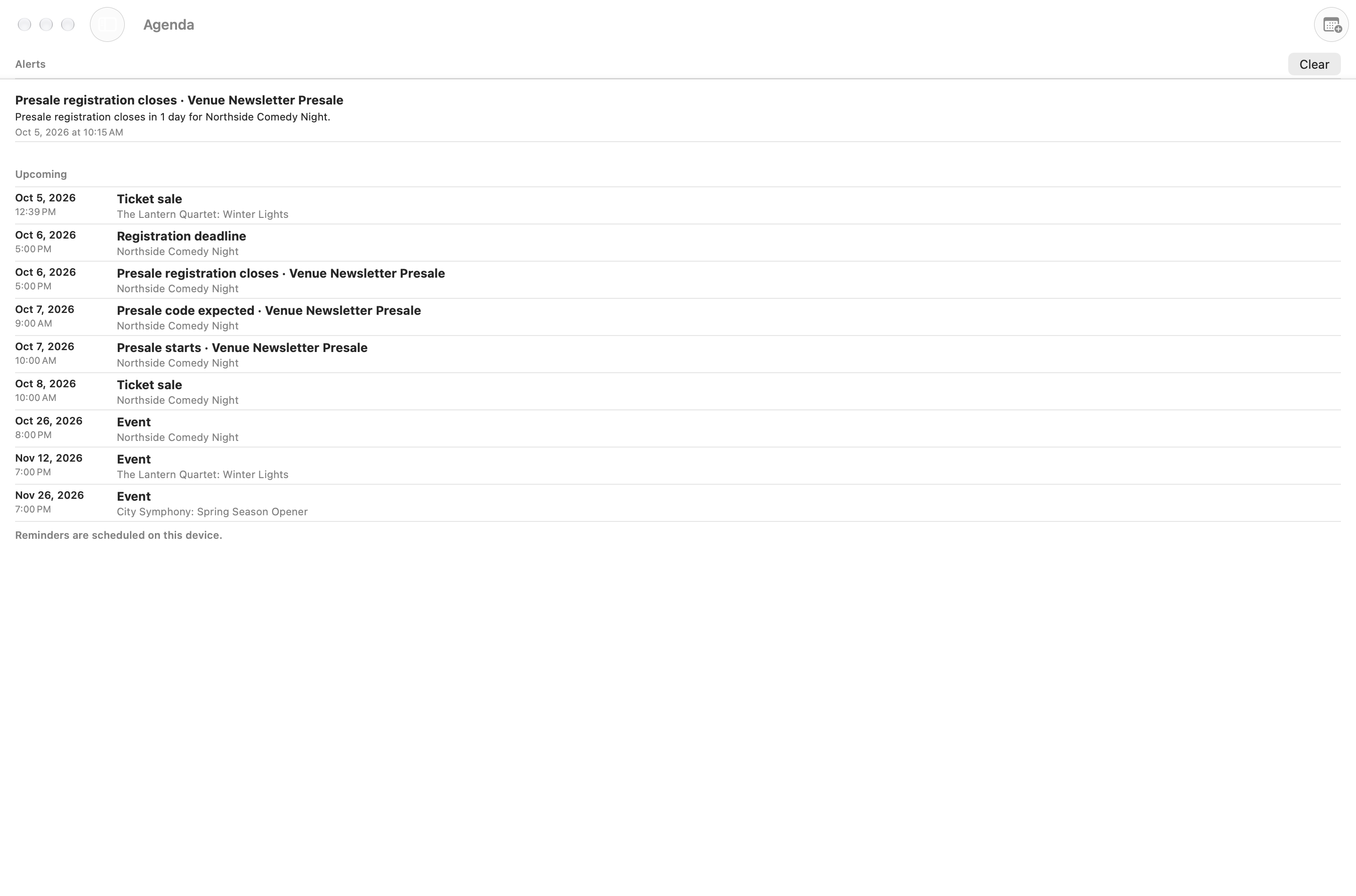
Invented sample plans. The two Mac views show the same planning tools in a wider layout.
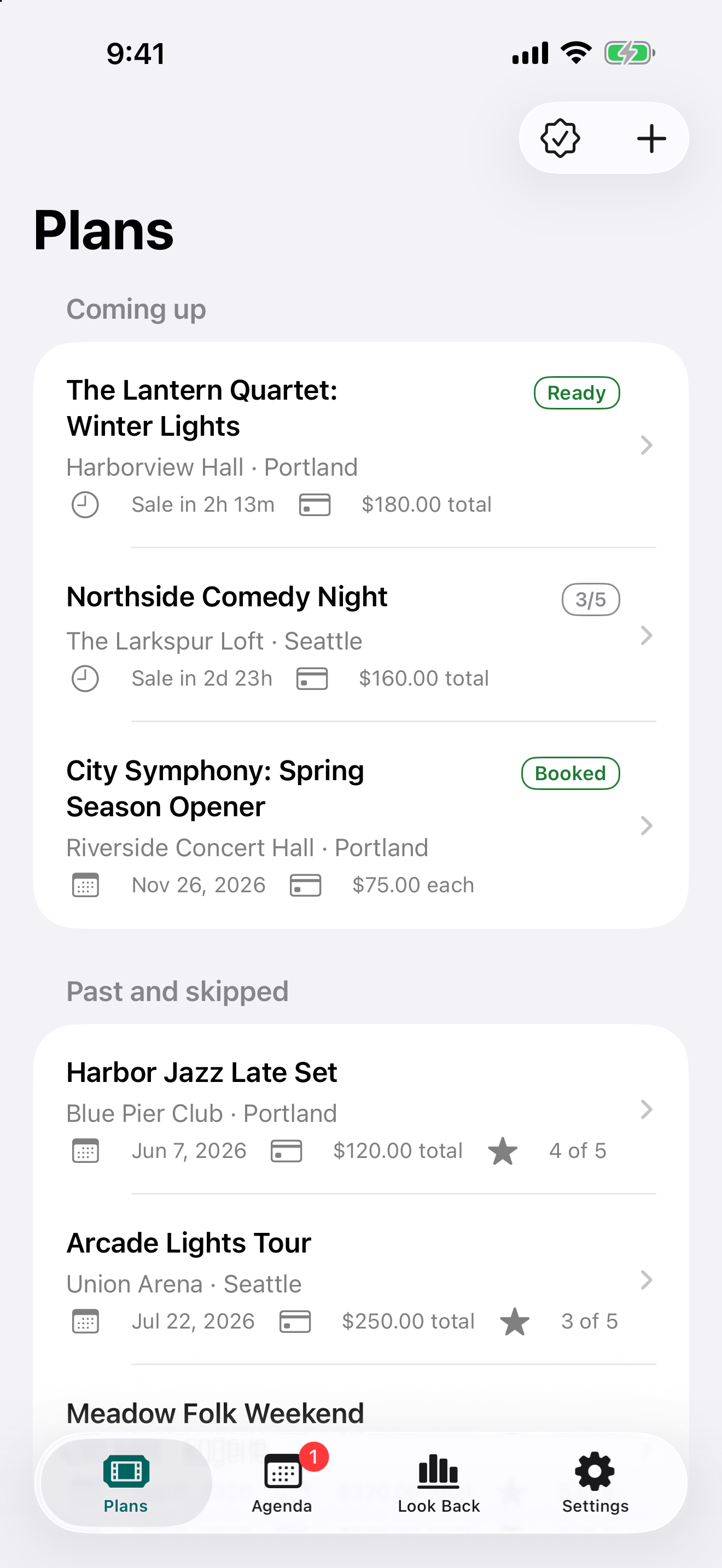
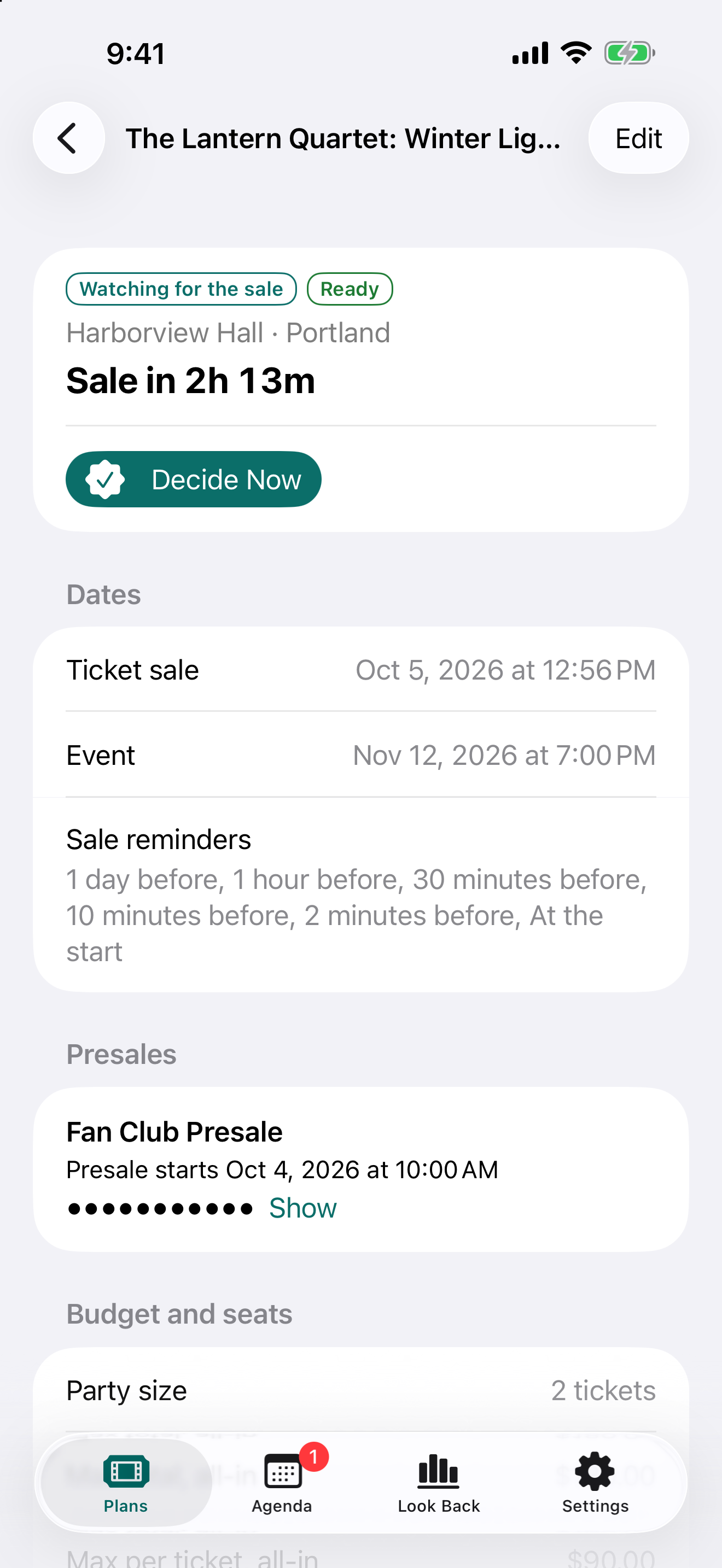
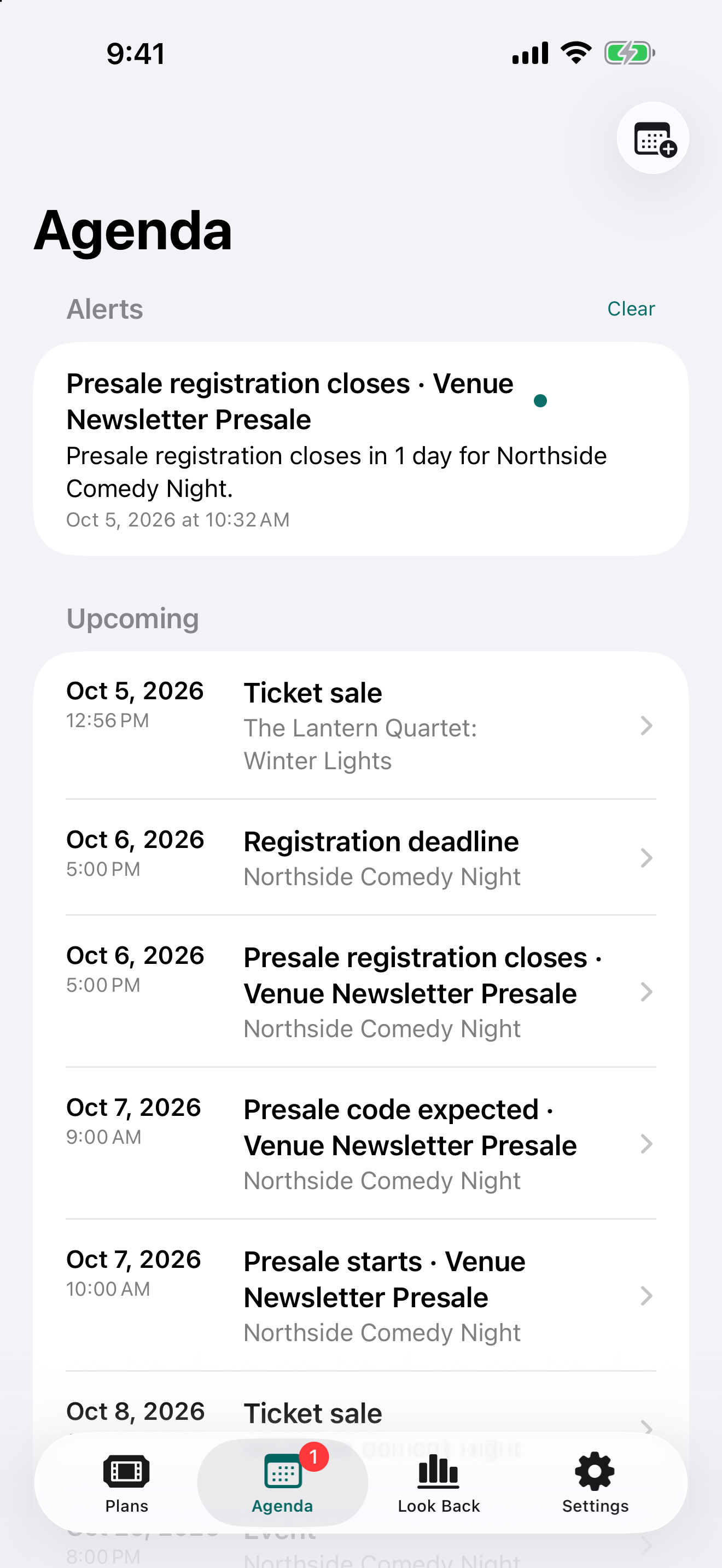
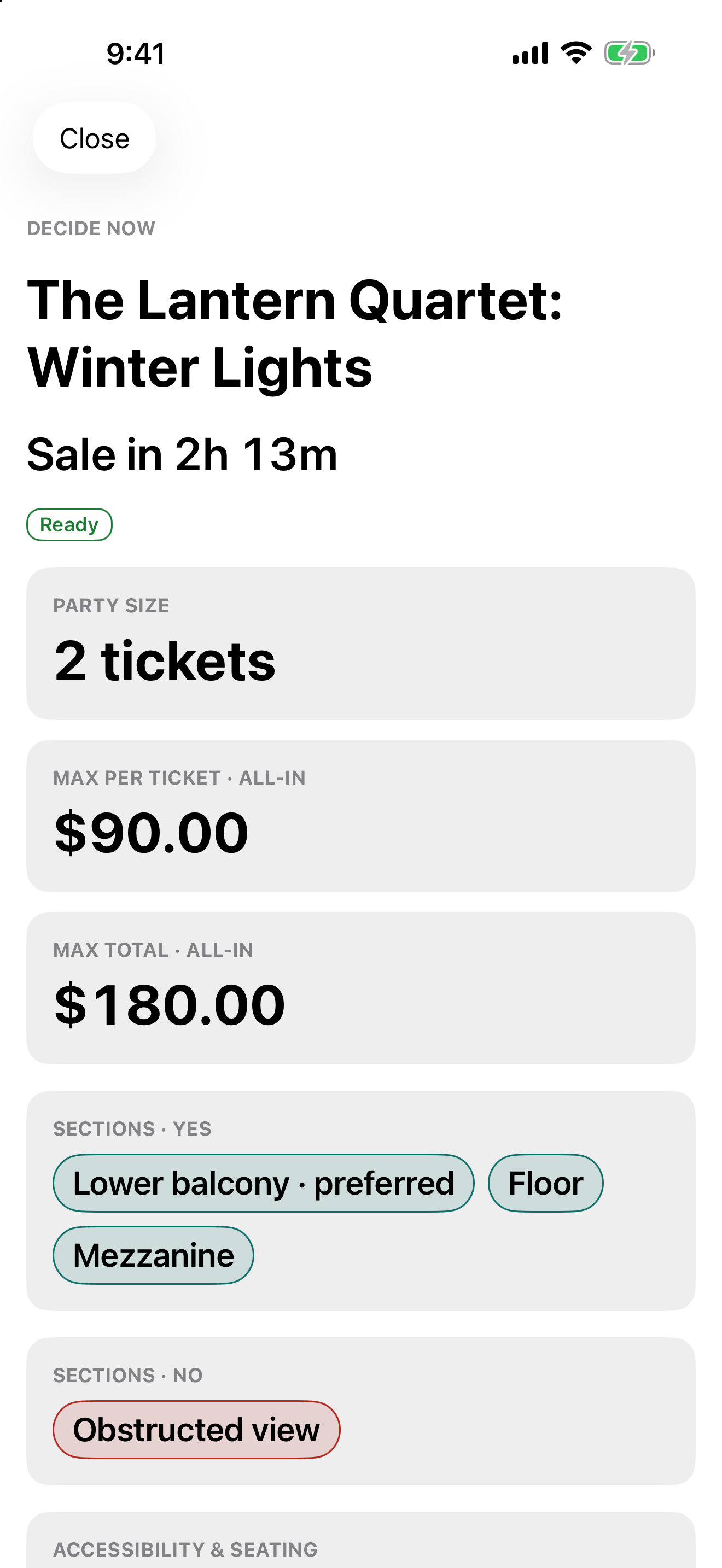
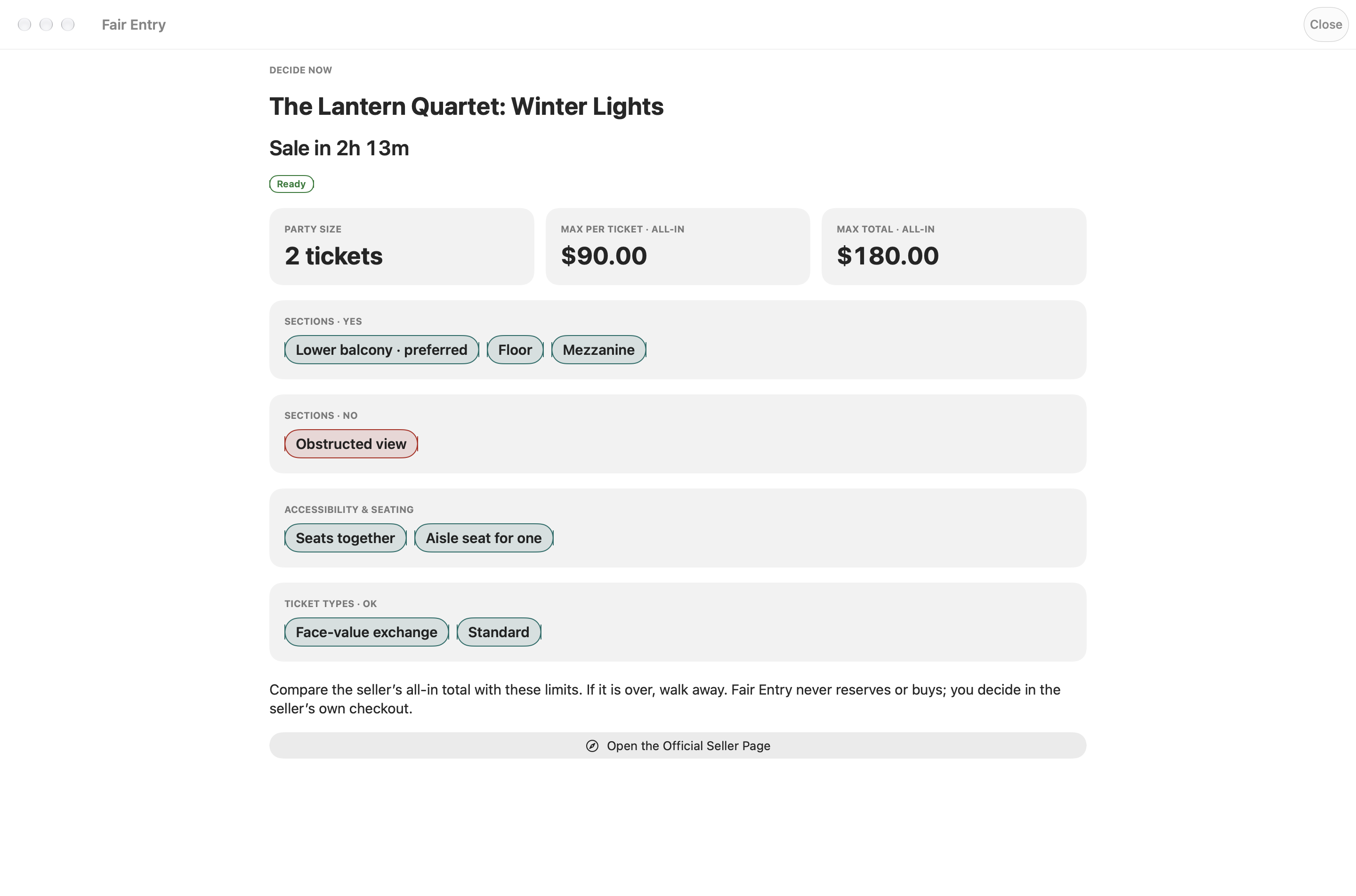
Get tickets the fair way: by being ready. Plan the events you care about, decide your all-in budget while you’re calm, and get reminded before every sale. When the moment comes, you buy in the seller’s own checkout.
Sale, registration and event dates in the event’s own time zone, an all-in budget for the party and per ticket, acceptable sections, seats together, accessible seating and notes.
On-sale and presale reminders on your device, presale programs with their deadlines, and an agenda of everything coming up. Export any plan to your calendar.
A five-item pre-sale checklist and a Ready badge, a large-type Decide Now card with your limits, and Check an Offer to compare what the seller’s checkout shows with what you decided.
After an event, record whether it was worth it and what you really paid. Look Back shows how your spending compared with your budgets.
No. It never buys, holds tickets or queues for you. You buy on the seller’s site.
Track sale dates, presale codes and your all-in budget. Get reminders and a checklist before a sale opens.
Yes. Export a plans backup in Settings, then import it on the other device. Presale codes stay out of backups; enter them again.
Fair Entry never buys, reserves or checks out. It never solves or skips CAPTCHAs, queues or bot checks, never monitors or scrapes ticket sites, and supports no resale, scalping or multiple accounts. Links open the seller’s own page, where you decide.
Email hello@gatheredcommonspress.com. I answer within three business days.
Software by Tristin Hassell. Published by Gathered Commons Press LLC.